
Stylish Name for YouTube Channel
A stylish name for YouTube channel helps you create a strong first impression and build a recognizable brand. Whether you run a gaming channel, vlog, tech review channel, educational content, or music videos, a unique and stylish YouTube channel name makes your brand memorable and professional.
This tool helps you turn a simple name into a clean, stylish version using Unicode text, light symbols, and minimal emoji styles that actually look good on YouTube.
Stylish Names Generator
🤯 Unicode Stylish Fonts
🆓 100% Free & Unlimited
❤️ Trusted by YouTube Users
⭐ Best Ratings by Users
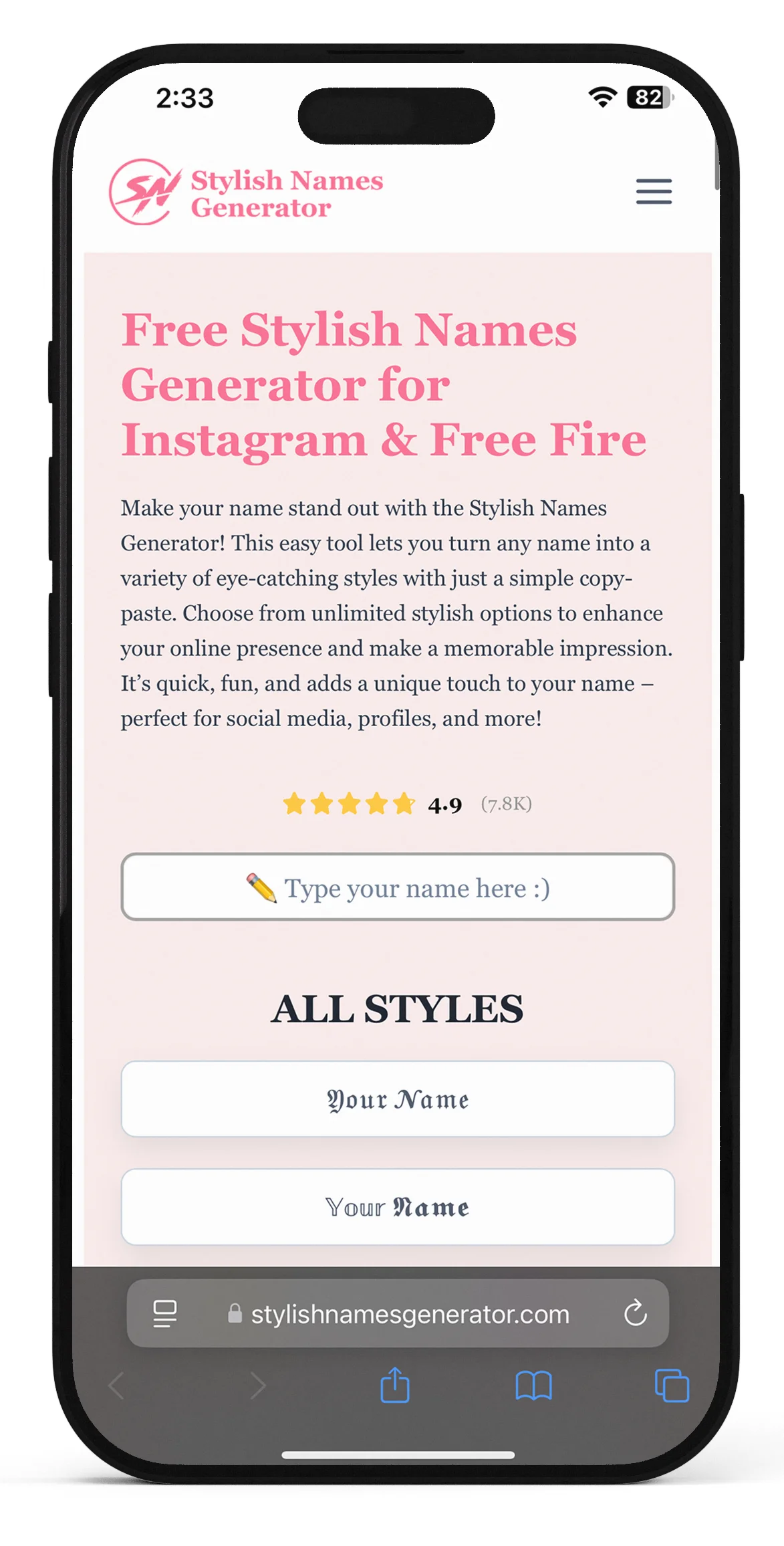
Type Your Cool Name in the Box Provided Below
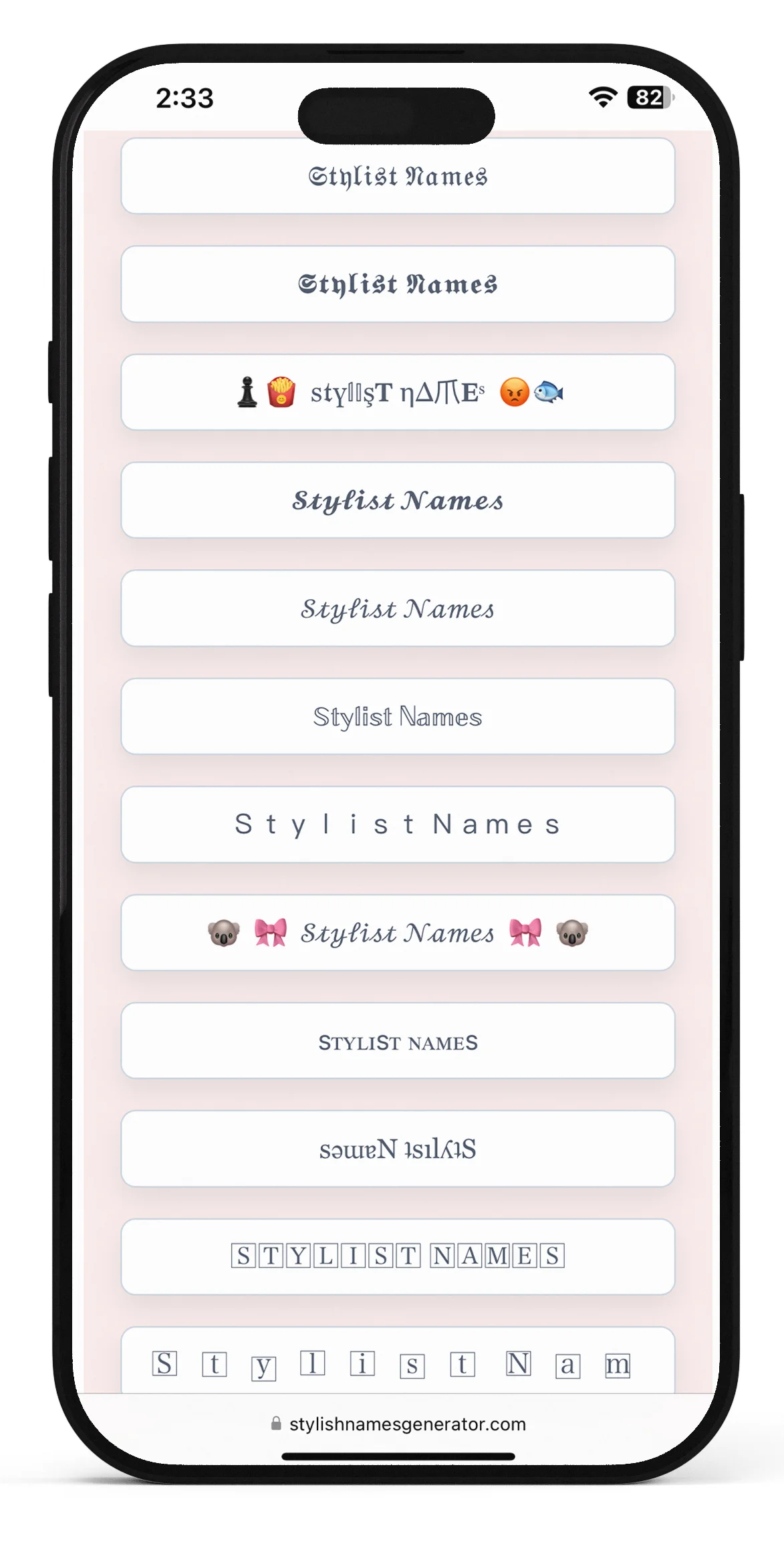
Select a Stylish Name That Fits Your Vibe
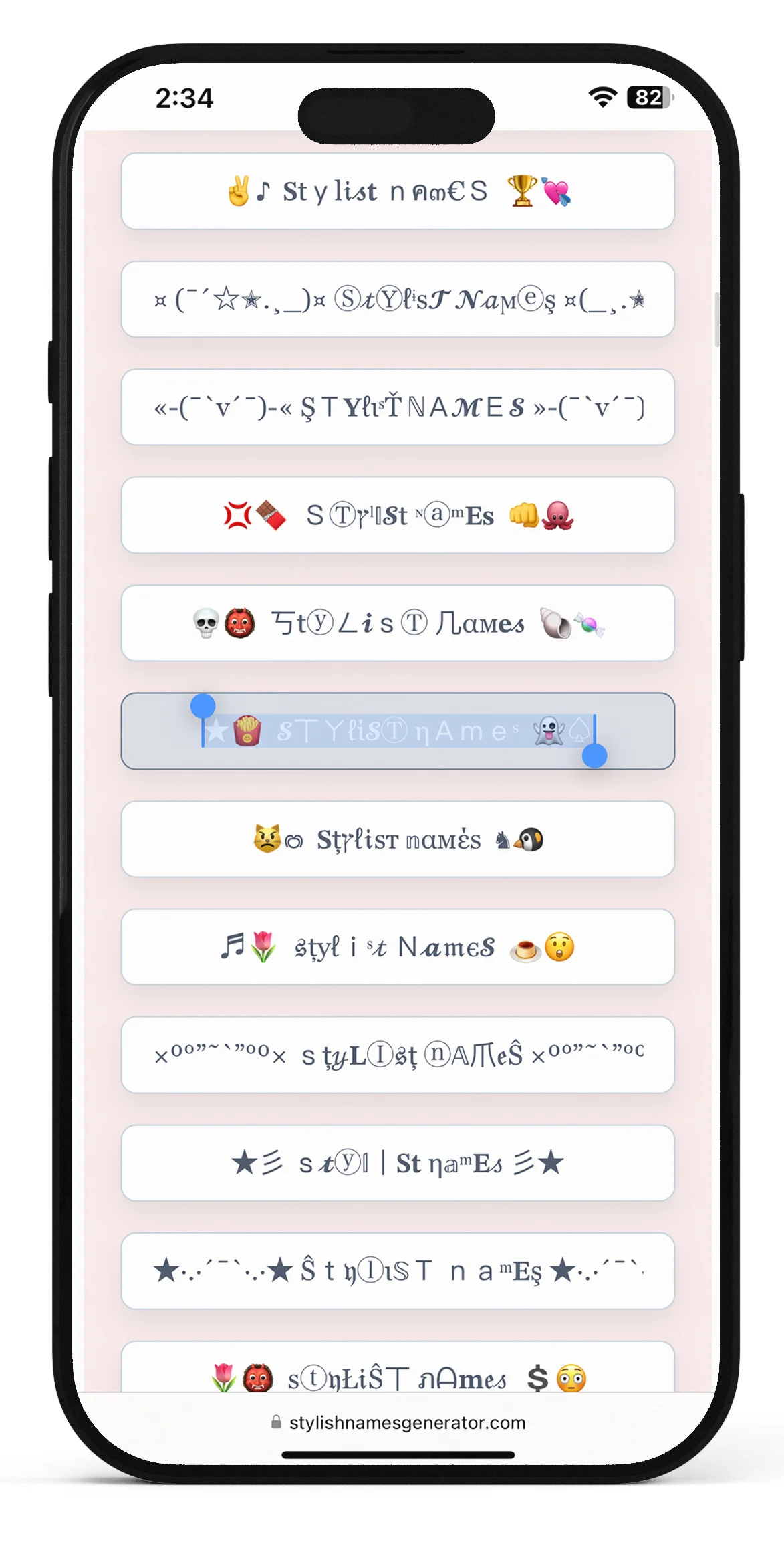
Copy and Paste Your Stylish Name in One Click
What Is a YouTube Stylish Name
A YouTube stylish name is your channel name or display name written in a visually different style using special text characters or light symbols.
Instead of plain text like:
Ali Gaming
you can use:
- ᴀʟɪ ɢᴀᴍɪɴɢ
- 𝐀𝐥𝐢 𝐆𝐚𝐦𝐢𝐧𝐠
- Aʟɪ Gᴀᴍɪɴɢ ✨
The goal is not to make your name complicated — it’s to make it look cleaner and more noticeable.
Why Your YouTube Name Matters
On YouTube, your name appears everywhere:
- channel page
- comments
- search results
- video recommendations
A good name can:
- make your channel look more professional
- help people remember you
- improve recognition across videos
A bad name can:
- look messy
- be hard to read
- reduce trust
👉 First impression matters a lot on YouTube.
For more creative strategies, read our guide on 10 creative ways to use a stylish names generator for your online identity.
Where You Can Use a Stylish YouTube Name
Your YouTube name appears in more places than most people think, which is why choosing the right style matters.
You can use your stylish name in:
- channel name and branding
- comments on videos
- live stream chats
- video thumbnails or overlays
- linked social media profiles
For example:
A clean name like Aʟɪ Gᴀᴍɪɴɢ looks good in comments, while something overly decorative may become hard to read.
👉 That’s why YouTube names should stay clean, readable, and consistent across all uses.
YouTube Name Rules You Should Know
Before choosing a stylish name, keep these practical points in mind:
- your name should be easy to read
- very complex symbols can look unprofessional
- too many emojis can reduce credibility
- long names are harder to remember
- your name should match your content type
👉 On YouTube, clean + readable > fancy
Real Examples (What Works vs What Doesn’t)
Good examples:
- Ali Gaming → ᴀʟɪ ɢᴀᴍɪɴɢ
- Noor Studio → 𝐍𝐨𝐨𝐫 𝐒𝐭𝐮𝐝𝐢𝐨
- Zain Tech → Zᴀɪɴ Tᴇᴄʜ
✔ clean
✔ readable
✔ professional
Bad examples:
- 💥🔥Ali Gaming🔥💥
- ꧁༒Noor Studio༒꧂
- Z̴a̴i̴n̴ T̴e̴c̴h̴
✖ messy
✖ hard to read
✖ less trustworthy
Types of YouTube Stylish Names
Different channels use different styles depending on their niche.
Clean & Professional
- ᴀʟɪ ɢᴀᴍɪɴɢ
- ɴᴏᴏʀ ᴛᴇᴄʜ
- ᴢᴀɪɴ sᴛᴜᴅɪᴏ
👉 Best for most channels
Bold & Strong
- 𝐀𝐋𝐈 𝐆𝐀𝐌𝐈𝐍𝐆
- 𝗭𝗔𝗜𝗡 𝗧𝗘𝗖𝗛
- 𝙉𝙊𝙊𝙍 𝙎𝙏𝙐𝘿𝙄𝙊
👉 Good for gaming or tech
Minimal Stylish
- Aʟɪ Gᴀᴍɪɴɢ
- Nᴏᴏʀ Tᴇᴄʜ
- Zᴀɪɴ Vʟᴏɢs
👉 Clean + modern
Light Symbol Style
- Aʟɪ Gᴀᴍɪɴɢ ✨
- Nᴏᴏʀ Tᴇᴄʜ ★
- Zᴀɪɴ Vʟᴏɢs ⚡
👉 Use 1 symbol only
Stylish YouTube Name Ideas
Here are working examples you can use:
- ᴀʟɪ ɢᴀᴍɪɴɢ
- 𝐍𝐨𝐨𝐫 𝐒𝐭𝐮𝐝𝐢𝐨
- Zᴀɪɴ Tᴇᴄʜ
- Aʜᴍᴇᴅ Vʟᴏɢs
- Bɪʟᴀʟ ᴘʟᴀʏs
- Hɪʀᴀ ᴄʀᴇᴀᴛᴇs
- Dᴀɴɪʏᴀʟ ʟɪᴠᴇ
- Rᴀʏᴀɴ ᴄʟɪᴘs
Common Mistakes to Avoid
Most new creators make these mistakes:
- ❌ using too many symbols
- ❌ adding multiple emojis
- ❌ choosing unreadable fonts
- ❌ copying random styles
- ❌ making names too long
👉 Simple names perform better.
How to Choose the Right YouTube Name
Use this simple method:
- Pick your base name (Ali, Noor, Zain)
- Add your niche (Gaming, Tech, Vlogs)
- Apply light styling
- Keep it readable
👉 Example:
Ali + Gaming → Aʟɪ Gᴀᴍɪɴɢ
How to Generate a Stylish YouTube Name
- Enter your name in the tool
- Try different styles
- choose a clean option
- copy and use it
👉 If it looks too fancy, simplify it
Tips for Better YouTube Channel Names
- keep your name short
- make it easy to pronounce
- avoid heavy decoration
- stay consistent across platforms
- choose clarity over complexity
👉 A good name builds brand identity.
Who This Works Best For
Stylish YouTube names work best for:
- gaming channels
- tech channels
- vlog creators
- content creators
- personal brands
For business channels, cleaner names are usually better.
Key Features of Stylish Name Generator for YouTube
🎥 YouTube-Compatible Fonts
All fonts work perfectly on YouTube
🎯 Multiple Name Styles
Cute, classy, bold, and modern
📋 One-Click Copy
Instant copy & paste feature
🆓 Free & Unlimited Use
No signup or watermark
📱 Mobile Friendly
Works on all devices
Amazing Hacks to Create Cool and Memorable Nicknames
Here are some proven hacks to create a standout YouTube stylish name:
- Use only 1–2 symbols
- Combine lowercase & uppercase letters
- Add one emoji at the end
- Avoid cluttered fonts
- Preview name on mobile before saving
These small tricks make your nickname more memorable and professional.
Final Thoughts
A good YouTube name does not need to be complicated.
The best names are:
- easy to read
- easy to remember
- clean in appearance
👉 If your name looks simple but slightly styled, you’ve done it right.
Visit our stylish names generator homepage to explore more creative options for all platforms.